Morph your files.
Completely offline.
A powerful Android file converter with native Material You design. Convert documents and extract images with blazing speed, 100% locally on your device.
A powerful Android file converter with native Material You design. Convert documents and extract images with blazing speed, 100% locally on your device.
SEE IT IN ACTION
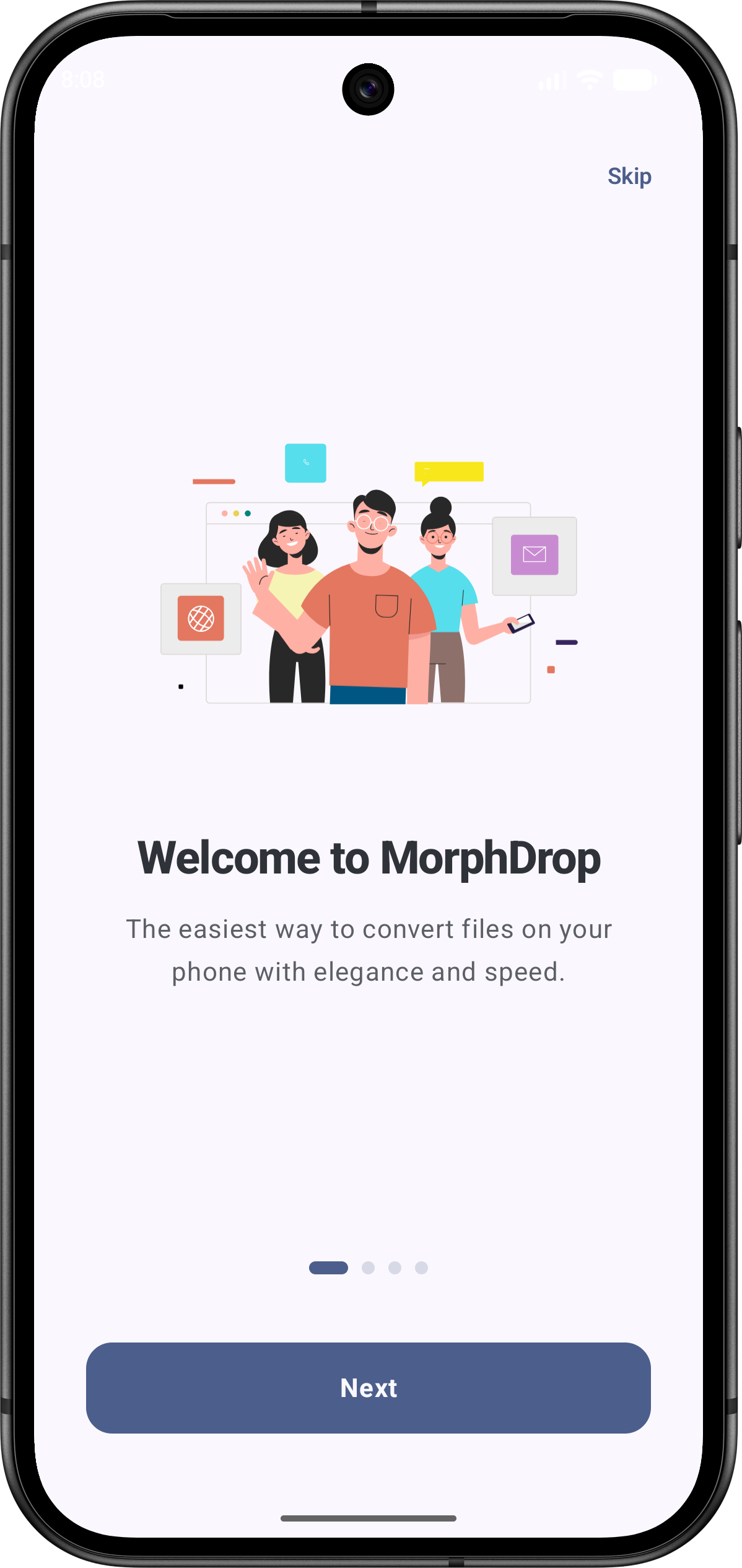 Welcome
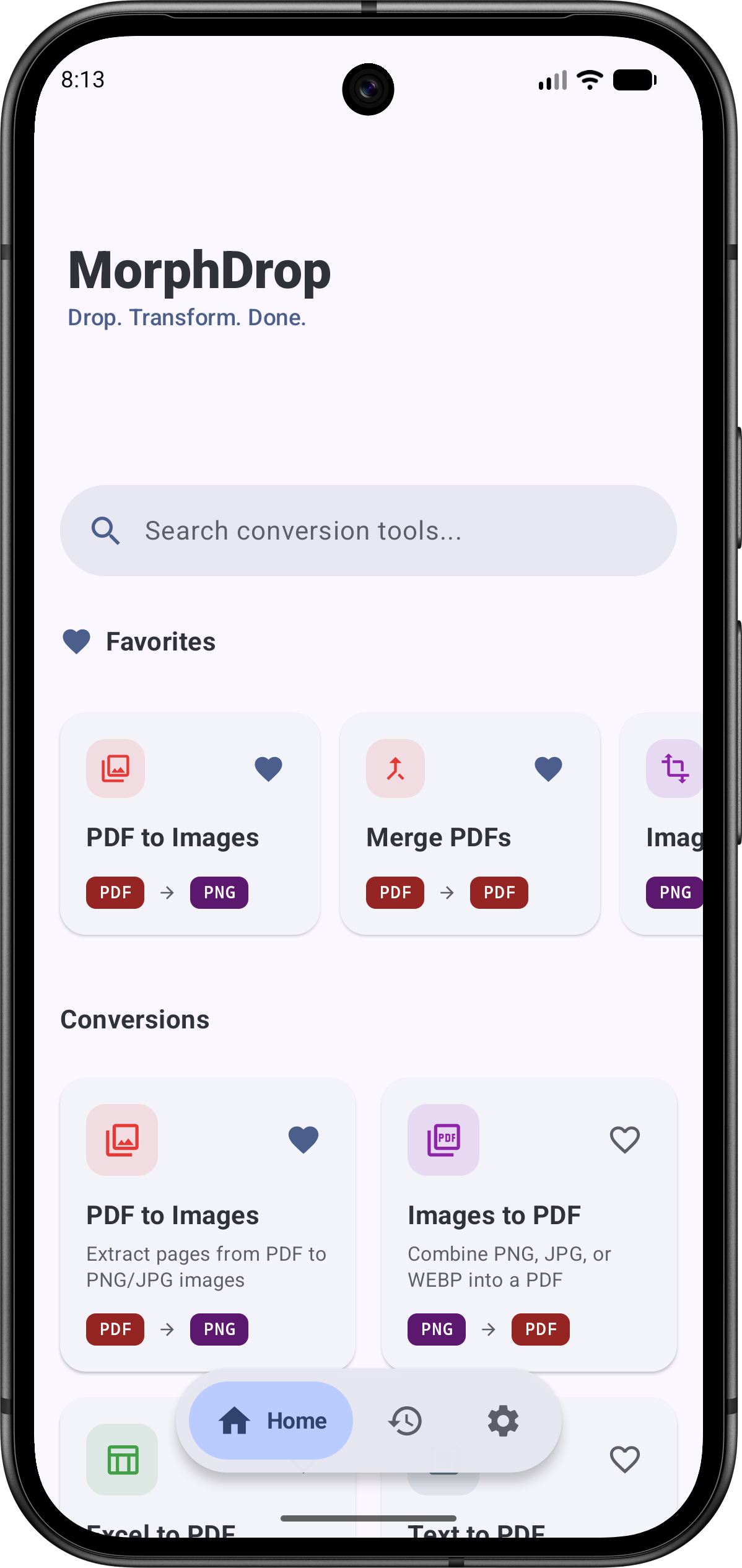 Home
Home
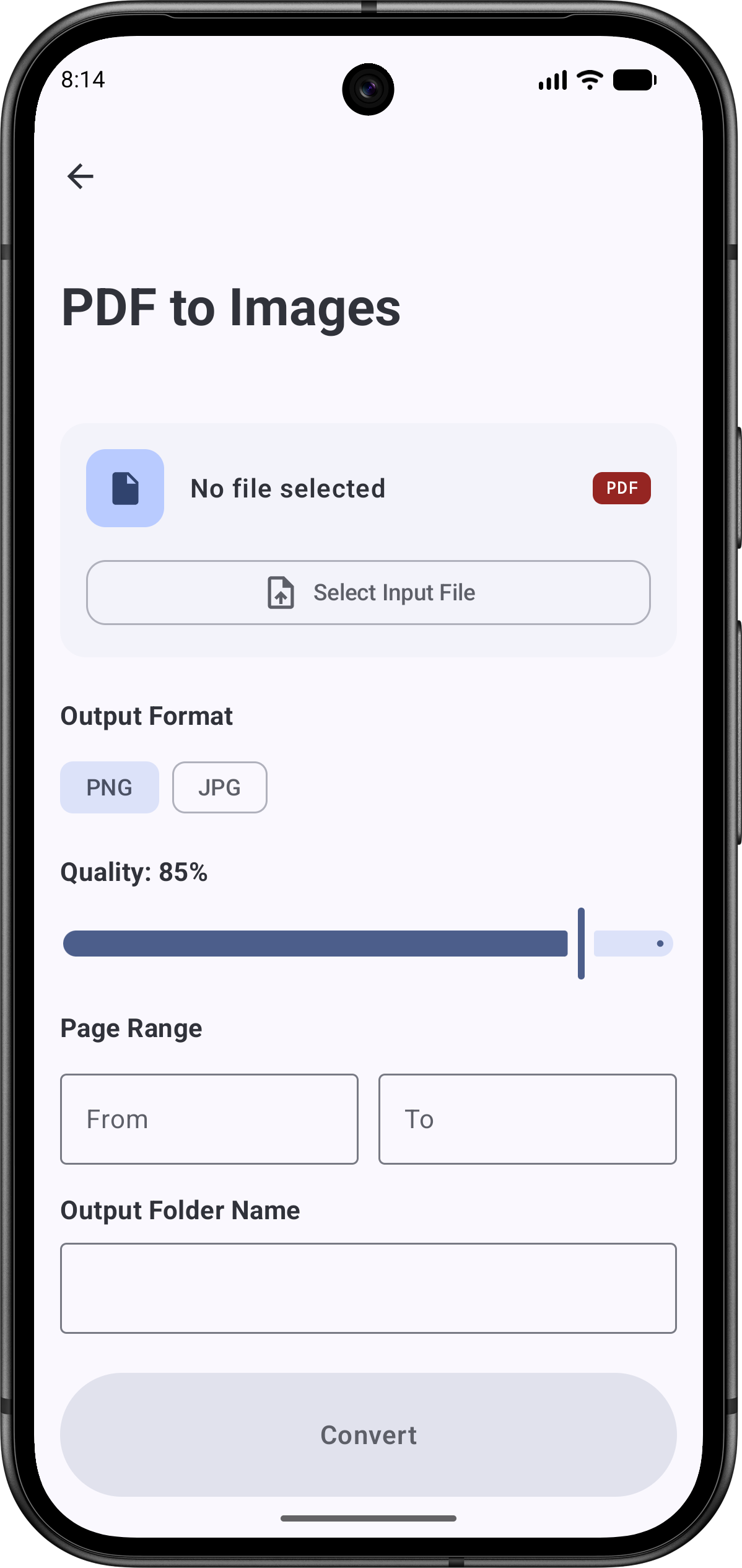 Conversion Setup
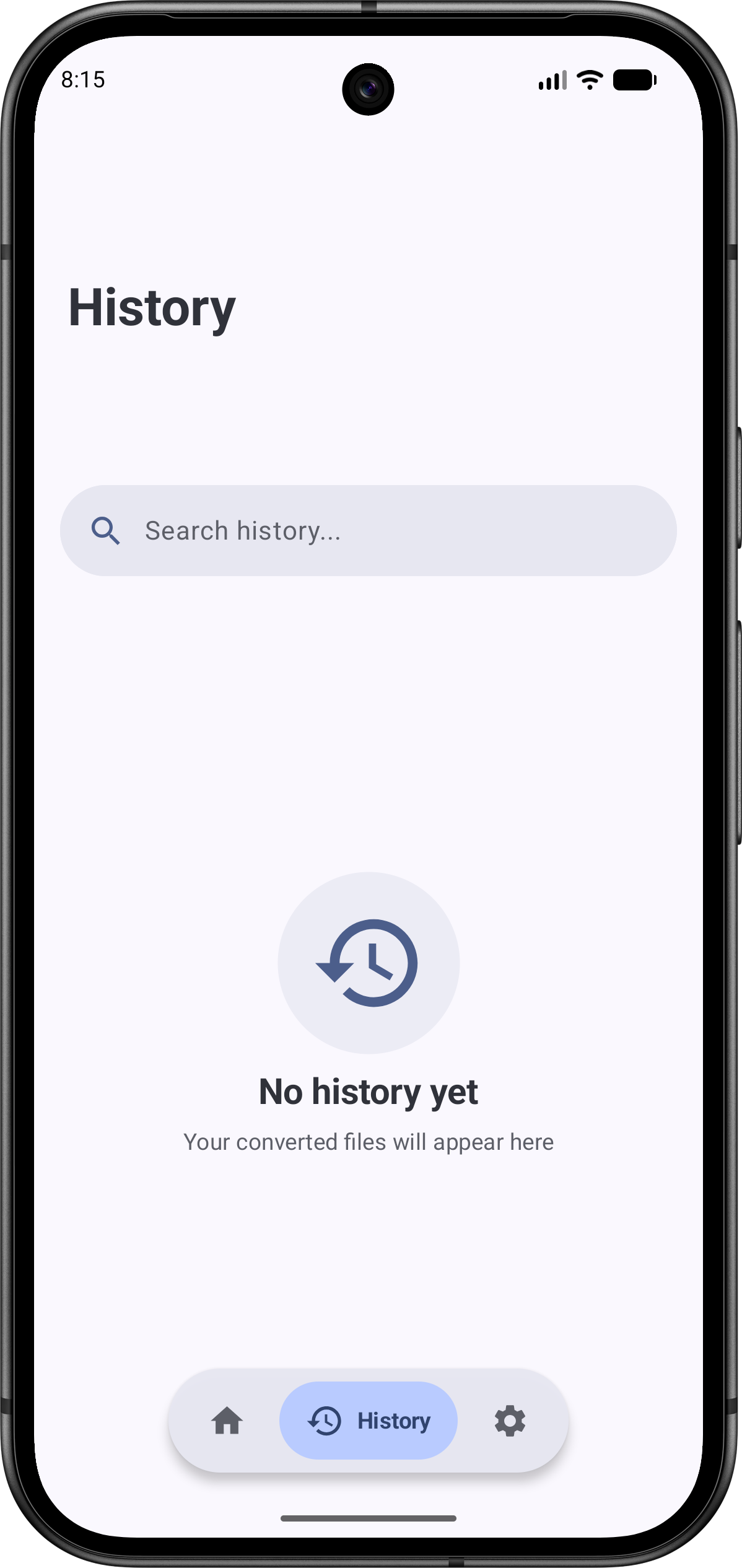 History
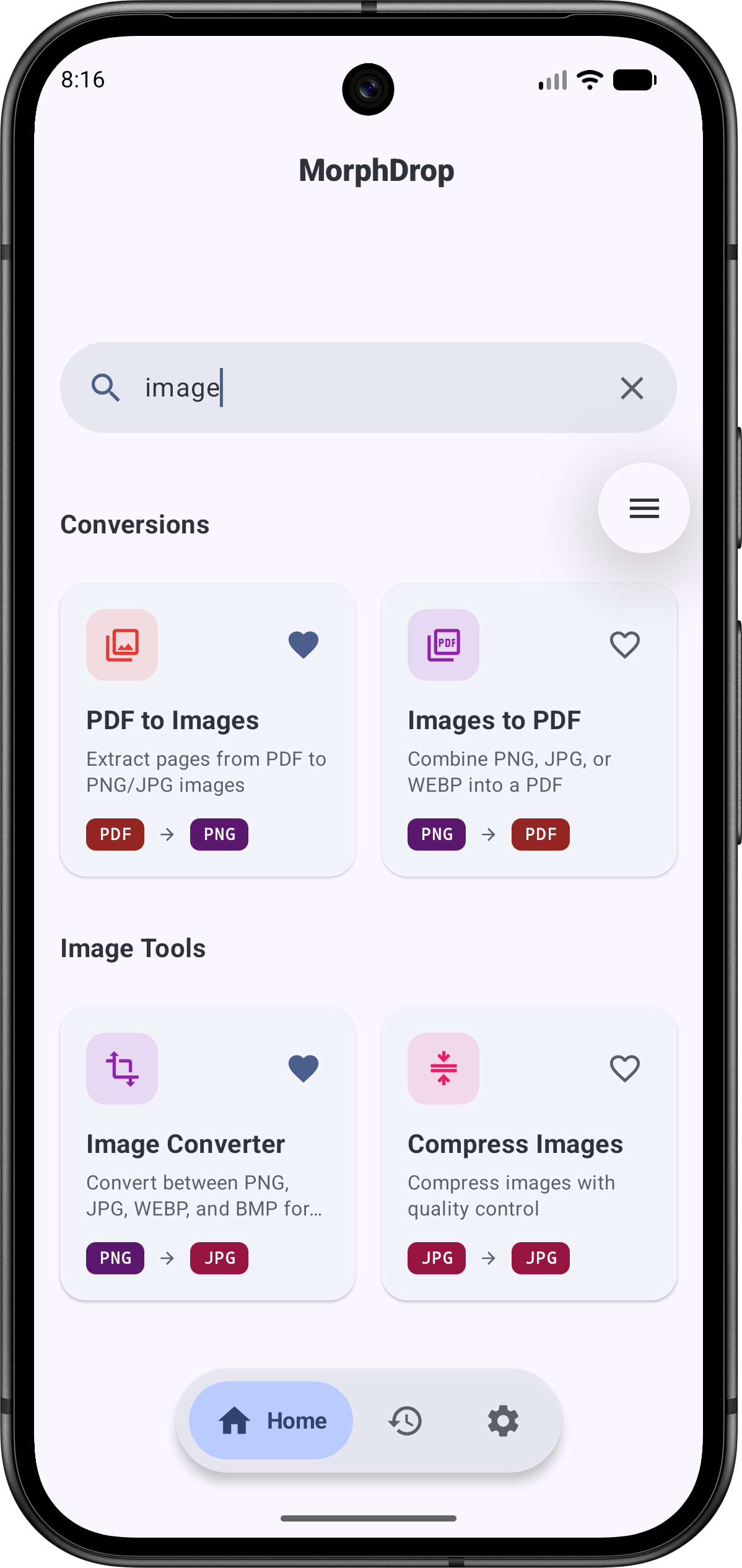 Search & Filter
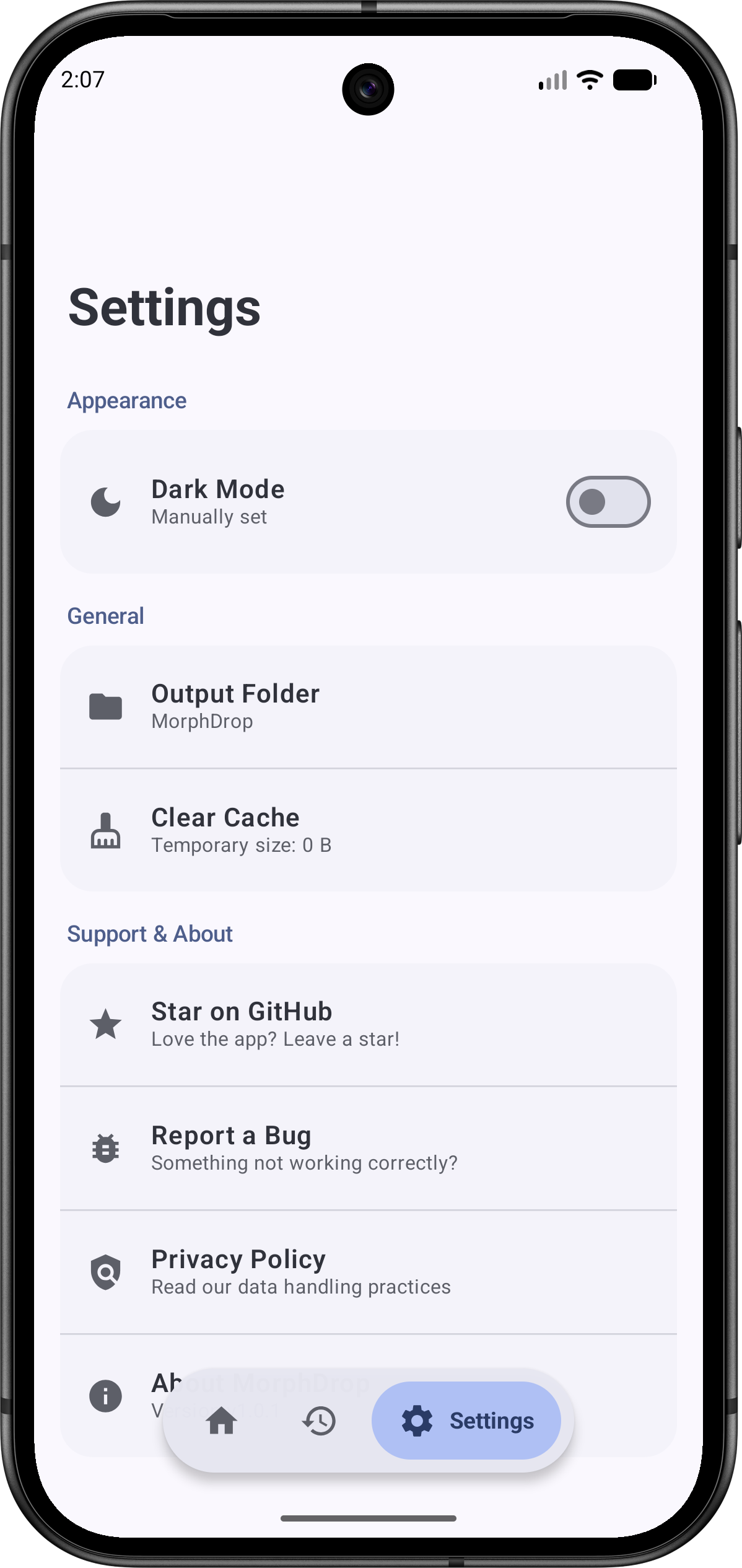 Settings & Themes
Welcome
Home
Conversion Setup
History
Search & Filter
Settings & Themes
Settings & Themes
Welcome
Home
Conversion Setup
History
Search & Filter
Settings & Themes
WHY MORPHDROP
Powerful tools bundled in a beautiful interface.
A high-end visual grid interface for merging, splitting, and organizing multi-page PDFs with real-time thumbnails.
Interactive cropping, precision color picker, and quality conversions.
Your files are yours. 100% offline conversions with zero telemetry or tracking.
3 responsive Material 3 widgets with instant event-driven sync and zero battery drain.
Extract selectable text from multiple images or receipts at once using Google ML Kit.
Google Drive-style reader with text search, page jump, and night reading modes.
Inspect, scrub, or spoof hidden EXIF, GPS, and author data for maximum privacy.
Read and edit .md files with live preview, syntax highlighting, formatting toolbar, auto-indent, and word counter.
Bulk compress, watermark, number, encrypt, rotate, and merge via background WorkManager.
Dedicated tools for custom watermarking (opacity & angle), customizable page numbering (6 positions), and target-size heuristic compression.
Silent background checks and redesigned Material 3 dialog with download progress tracking.
A stunning interface that automatically extracts harmonious accent colors from your system wallpaper on Android 12+, delivering a personalized native look across every screen.
#6750A4#E8DEF8#7D5260#FFD8E4#625B71QUESTIONS
Yes! MorphDrop is 100% free, open-source, and contains absolutely no ads.
No. Every conversion tool built into MorphDrop runs locally on your device, ensuring maximum privacy and speed.
By default, files are saved to your device's Downloads/MorphDrop folder. You can easily access them from the History tab in the app.
MorphDrop supports converting PDF to images (PNG, JPG), images (PNG, JPG, WebP, BMP) to PDF, Excel (.xlsx & .csv) to PDF with dynamic auto-orientation & spreadsheet preview cards, text (.txt) and Markdown (.md) to PDF. It also features system-wide share sheet & "Open With" file routing, an enhanced PDF annotation suite with undo/redo, Batch OCR text extraction, on-device image formatting, professional PDF tools (watermarking, page numbers, target-size compression, batch operations), home screen widgets, and full ChromeOS & large-screen compatibility.
Yes! MorphDrop fully supports Android's Material You design system, meaning the app's colors will automatically adapt to match your system wallpaper and theme.
Absolutely. Head over to our GitHub repository to open issues, submit pull requests, or suggest new features. All contributors are welcome.