Take the tour
Made to be touched
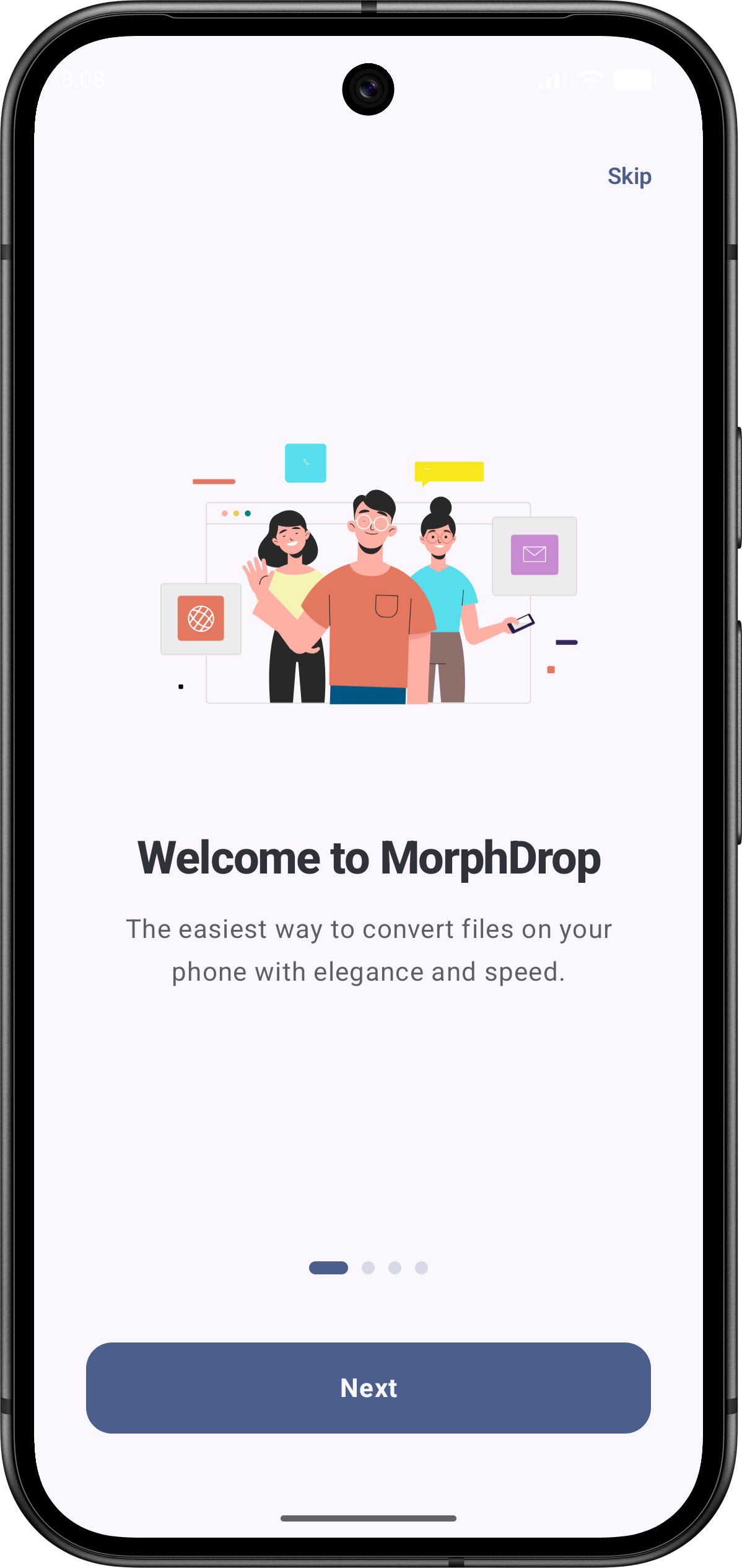
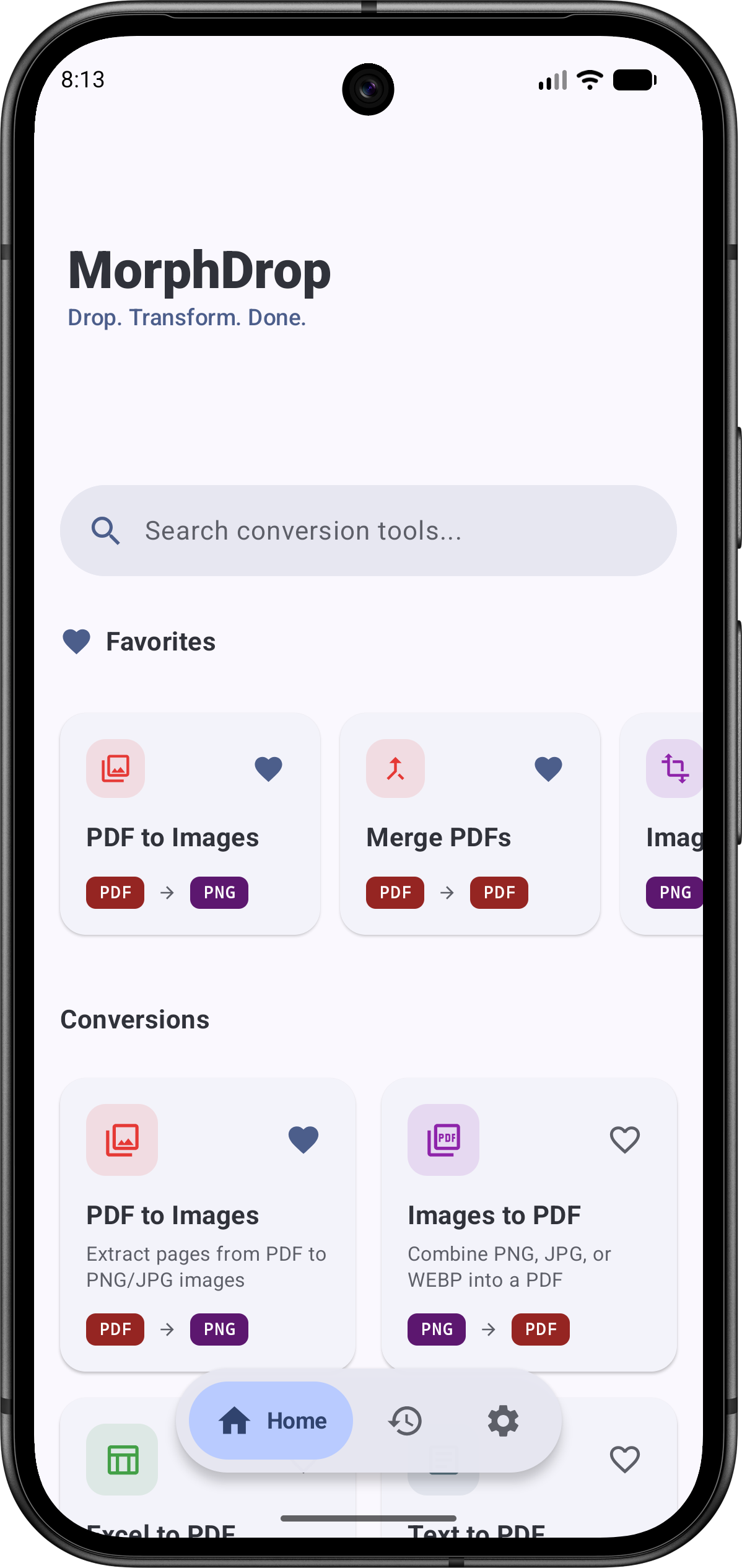
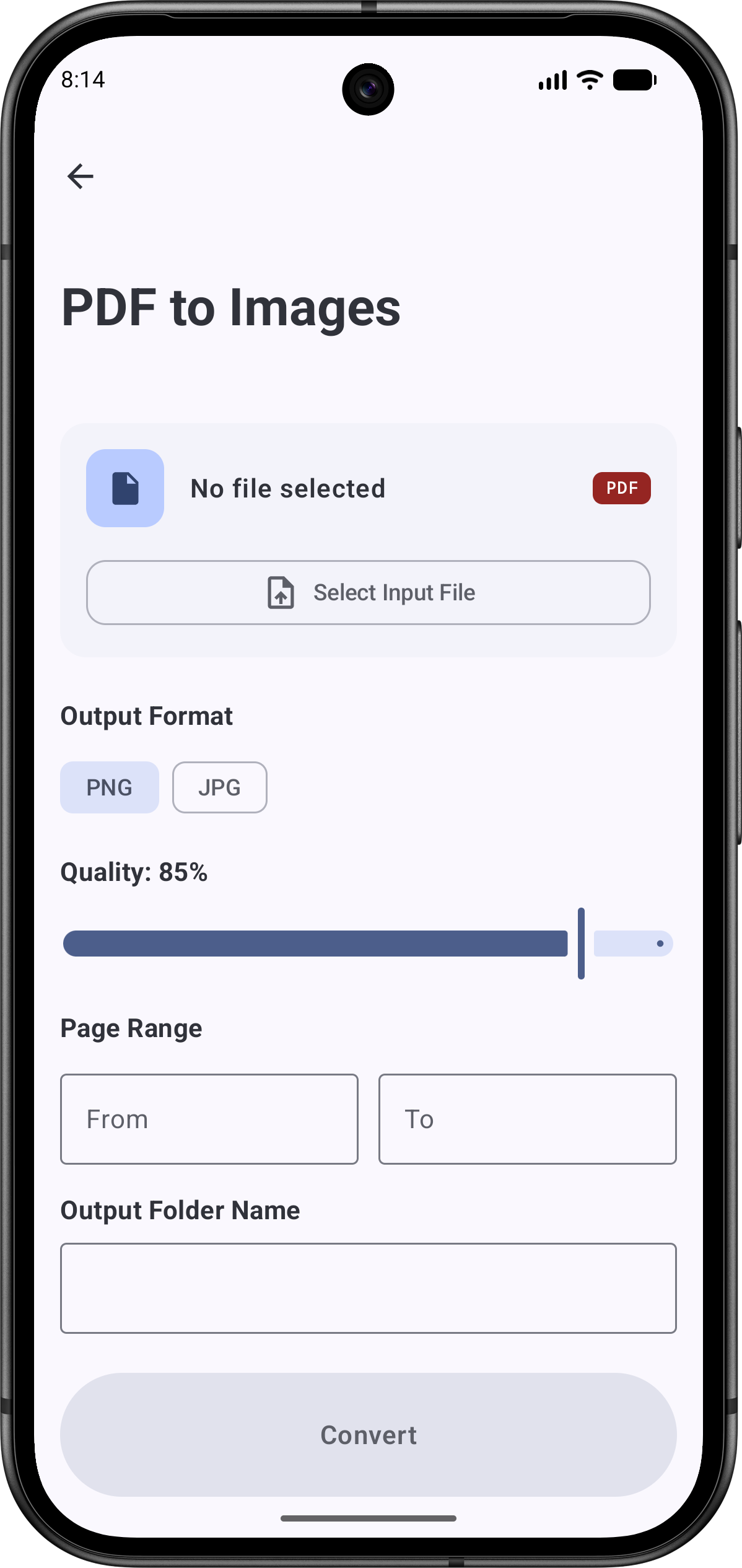
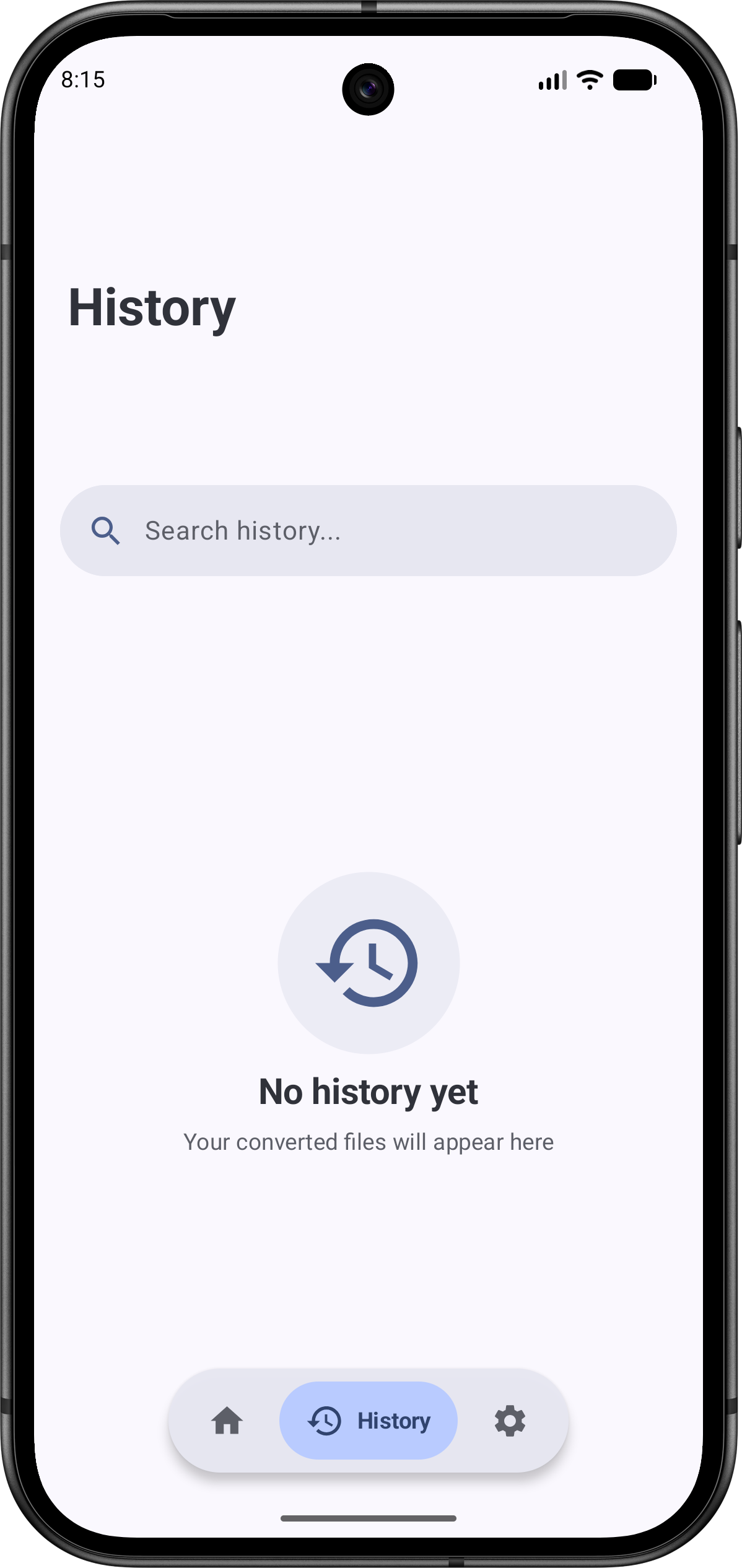
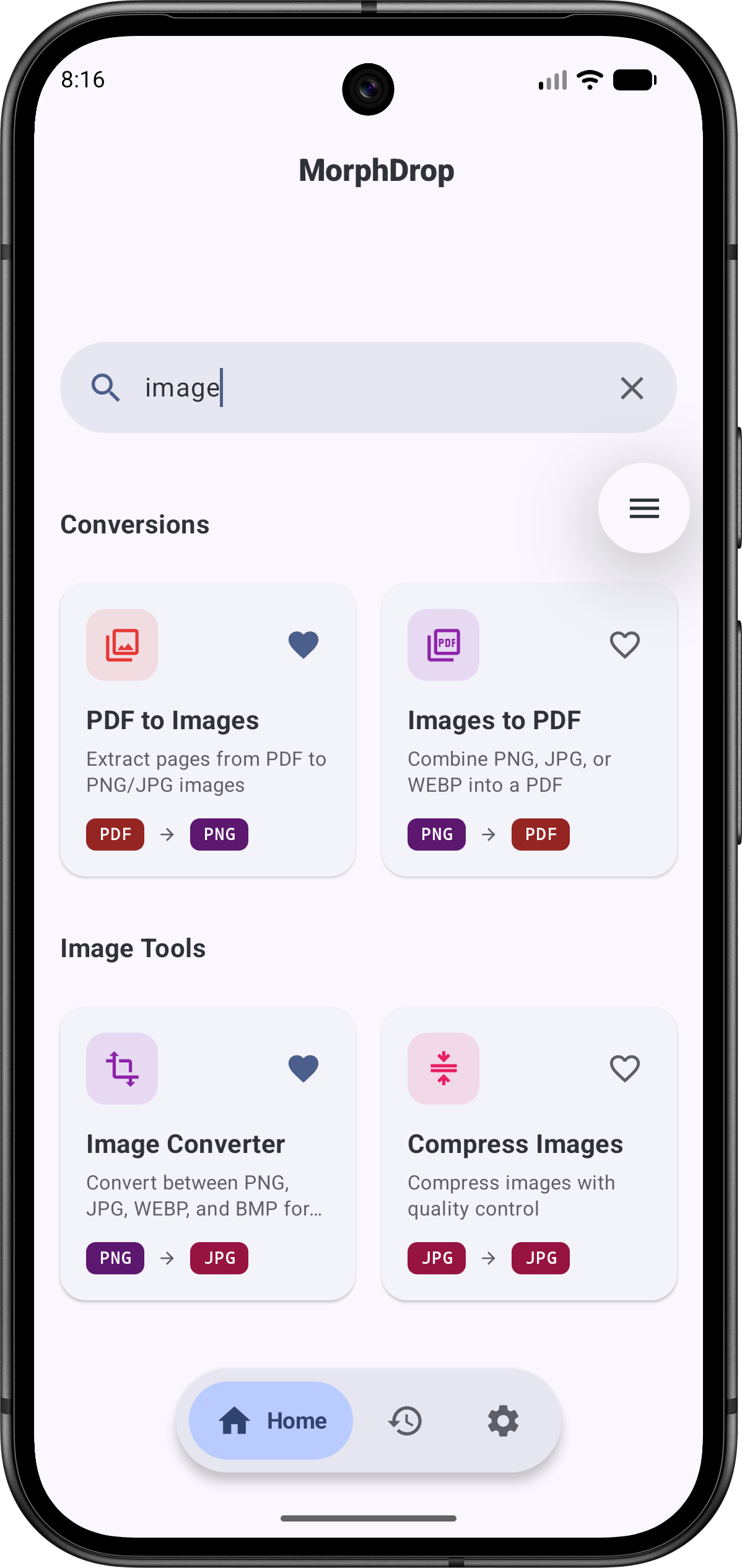
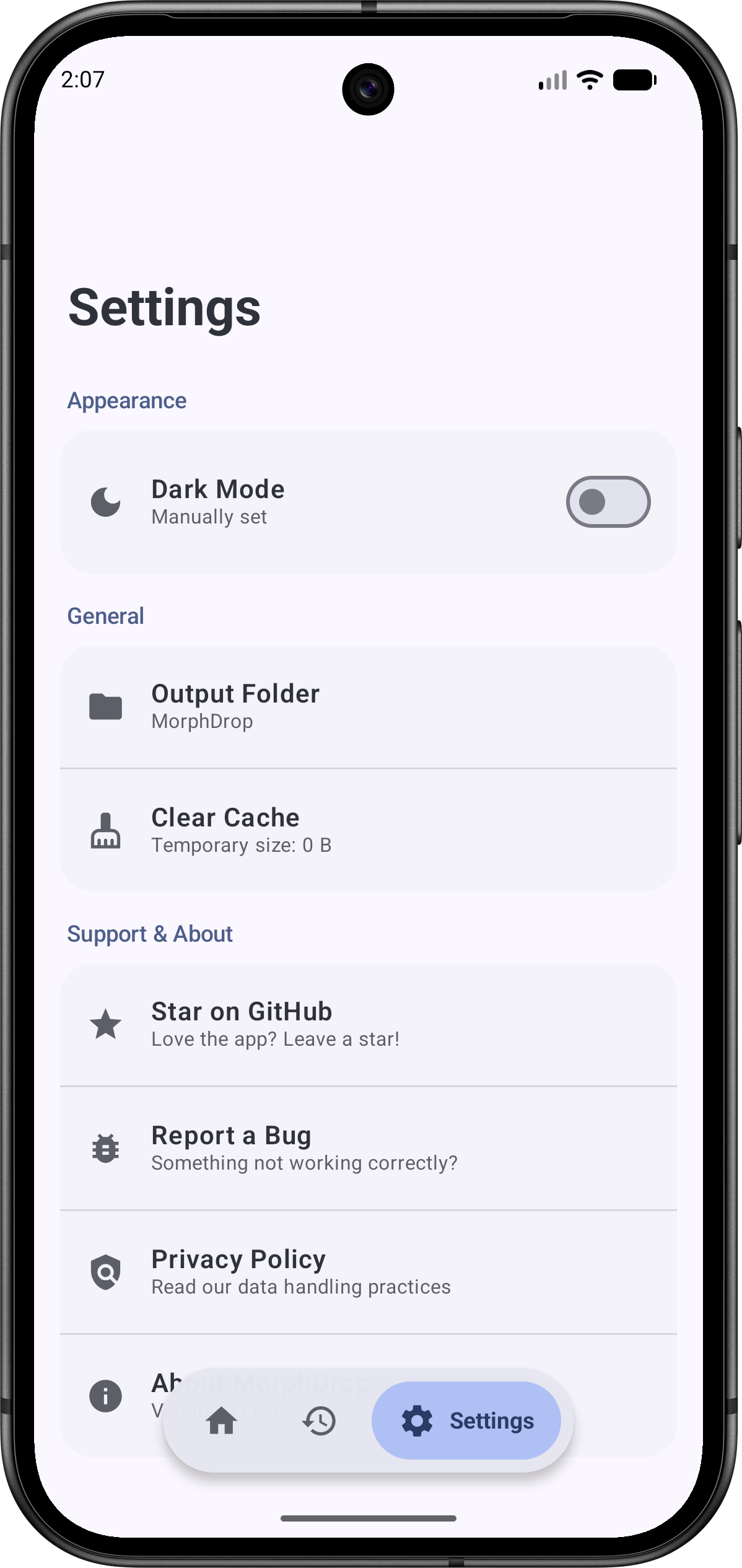
01 · Onboarding
Drop any file
Pick a PDF, image or spreadsheet — MorphDrop suggests the right tool. No sign-up, no tutorial maze.
100% offline · no ads · open source
MorphDrop converts PDFs, images, spreadsheets and documents right on your Android — no uploads to shady servers, no accounts, no paywalls. Free forever.
01 · Pick a file
02 · Pick what it becomes
Choose an input and an output above, then hit Morph.
Bytes uploaded to a server during this demo: 0
Why offline
Every "free" online converter makes you upload personal documents — contracts, IDs, tax papers, photos — to somebody's server. Then you just… hope they delete them.
✗ The usual way
✓ The MorphDrop way
Features
Every tool runs on your device — no queues, no uploads, no "trial version" stamps.
PDF to Text, Word, Excel and CSV. Spreadsheets both ways. Searchable PDFs, Sign PDF, exam-ready photo & signature sizing, QR codes, HEIC and image resizing — all still 100% on-device.
Merge, split and reorder multi-page PDFs on a visual grid with real-time thumbnails. Annotate with true undo/redo — and pick up where you left off with the resume-reading card.
Convert between PNG, JPG, WebP, BMP and HEIC with quality controls, resize to exact dimensions, crop & rotate interactively — or batch-convert hundreds at once.
Extract selectable text from one image or a whole stack of scans and receipts — on-device with Google ML Kit — or turn scans into searchable PDFs with a real text layer, in English and Devanagari.
Inspect hidden EXIF & GPS data, wipe it with one tap, or edit dates, locations and author info before you share.
Viewer + editor with live preview, and a rich MD→PDF engine: tables, math equations, syntax-highlighted code blocks, checklists.
Text & image watermarks (opacity, angle, position), page numbers with cover-skip, target-size compression, password encryption — plus Sign PDF and searchable PDFs — all queued as background batch jobs.
v1.6.0 packs 34 tools into a ~28 MB APK — QR scanning and a Devanagari font included — with quick presets, pinned history, Glance widgets, Material You theming and tablet layouts on top.
Take the tour
01 · Onboarding
Pick a PDF, image or spreadsheet — MorphDrop suggests the right tool. No sign-up, no tutorial maze.
How it works
Pick any PDF, image, spreadsheet or note — or share one straight into MorphDrop from any app.
The app suggests the right tools for your file. Tweak quality, pages, watermark — your call.
Converted in a blink on your own hardware. Find it in Downloads/MorphDrop or the History tab.
Questions
Yes! MorphDrop is 100% free, open-source, and contains absolutely no ads.
No. Every conversion tool built into MorphDrop runs locally on your device, ensuring maximum privacy and speed.
By default, files are saved to your device's Downloads/MorphDrop folder. You can easily access them from the History tab in the app.
MorphDrop converts PDF to images (PNG, JPG), text (TXT), Word (DOCX), Excel (XLSX) and CSV; images (PNG, JPG, WebP, BMP, HEIC) to PDF; Excel (.xlsx) to CSV and CSV to Excel and PDF; and text (.txt) / Markdown (.md) to PDF. Plus searchable PDFs, Sign PDF, QR codes, Batch OCR, image tools, watermarks, page numbers, target-size compression, batch operations, home-screen widgets and full ChromeOS support.
Yes! MorphDrop fully supports Android's Material You design system — the app's colors automatically adapt to match your system wallpaper and theme.
Absolutely. Head over to our GitHub repository to open issues, submit pull requests, or suggest new features. All contributors are welcome.
Free forever · open source
Join 150+ people converting privately with MorphDrop.